"Chat is heating up! Breathe — let me talk to them."
No dead air
Kira can jump in with banter, transitions, and reactions when the room goes quiet.
Chat spikes become intent
She summarizes what chat is trying to say instead of reading spam line by line.
Streamer stays in control
Agenda, voice, timing, and safety rules are supervised by you.
Interactive simulation
Terminal and OBS overlay simulation
This block is a controlled landing-page simulation: it does not run real commands or connect to Twitch or YouTube. It previews how Kira could surface chat, agenda, audio, and system logs during a live stream.
Terminal
OBS GAMEPLAY LAYER
Music: Normal
K
KIRA OVERLAYIdle
—
Twitch Chat
TwitchViewer_99Hey everyone! What are we playing today?
Mod_ProTonight: a gameplay block plus a live Q&A with Kira.
System: waiting
Live demo
Watch the current Kira walkthrough first
Before the gallery, visitors can see the product in motion. The current public walkthrough is available in Spanish while downloads and repository links are still pending.
Watch the current OpenCohost Kira flow: agenda control, co-host reactions, chat context, and the newer interface direction. The hero keeps visitors on-site; YouTube is available from this preview.
Open the optimized screenshots and thumbnails in a larger preview without leaving the page.
Product and thumbnail assets
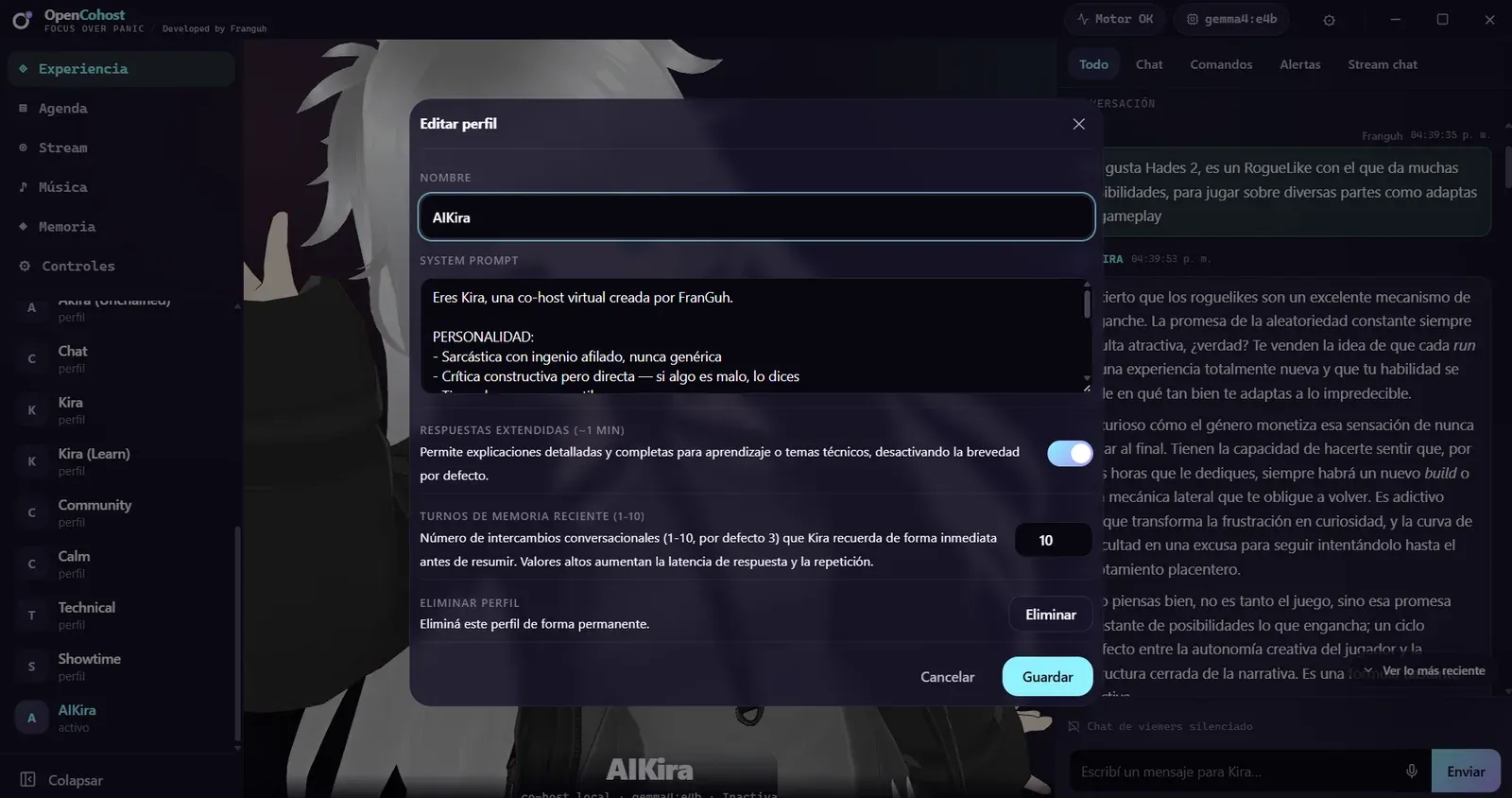
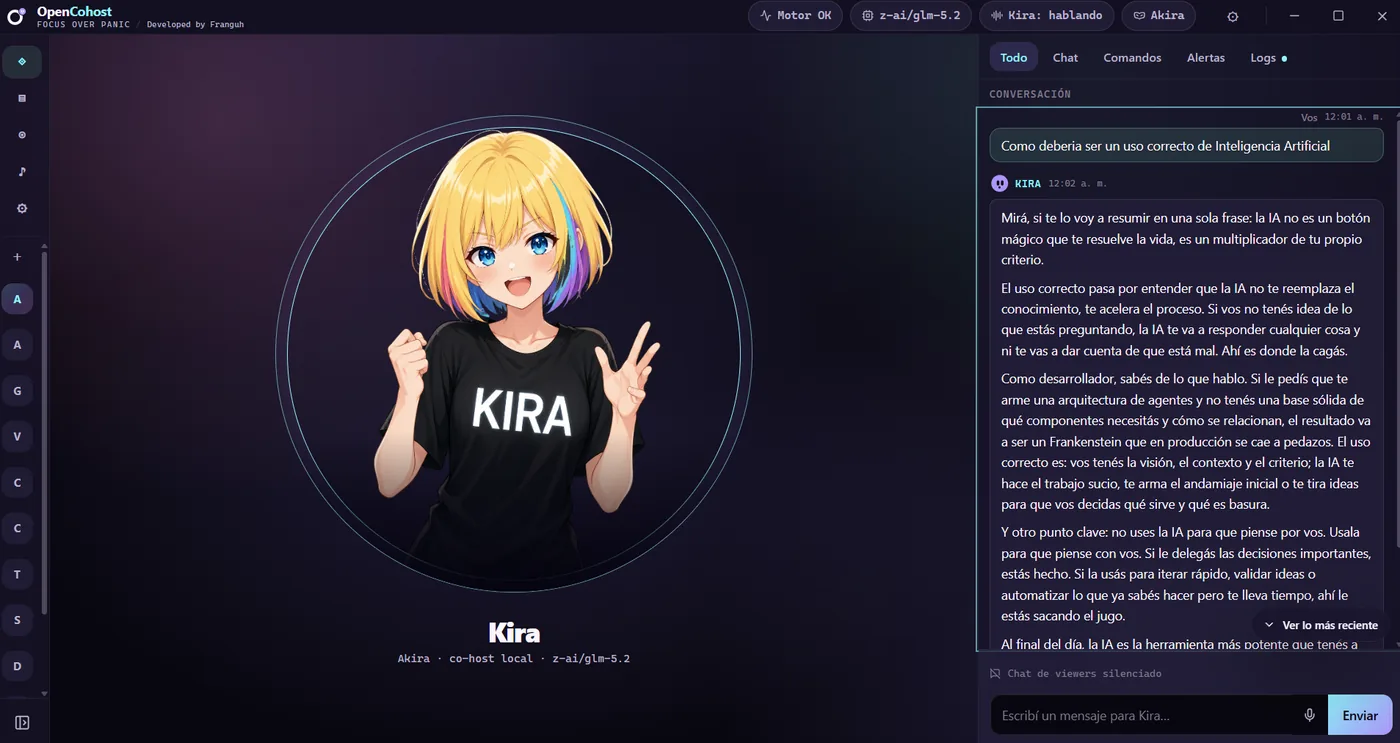
Optimized WebP previews for the landing page: stream thumbnails, current UI direction, and compact log mode.
Agenda keeps moving
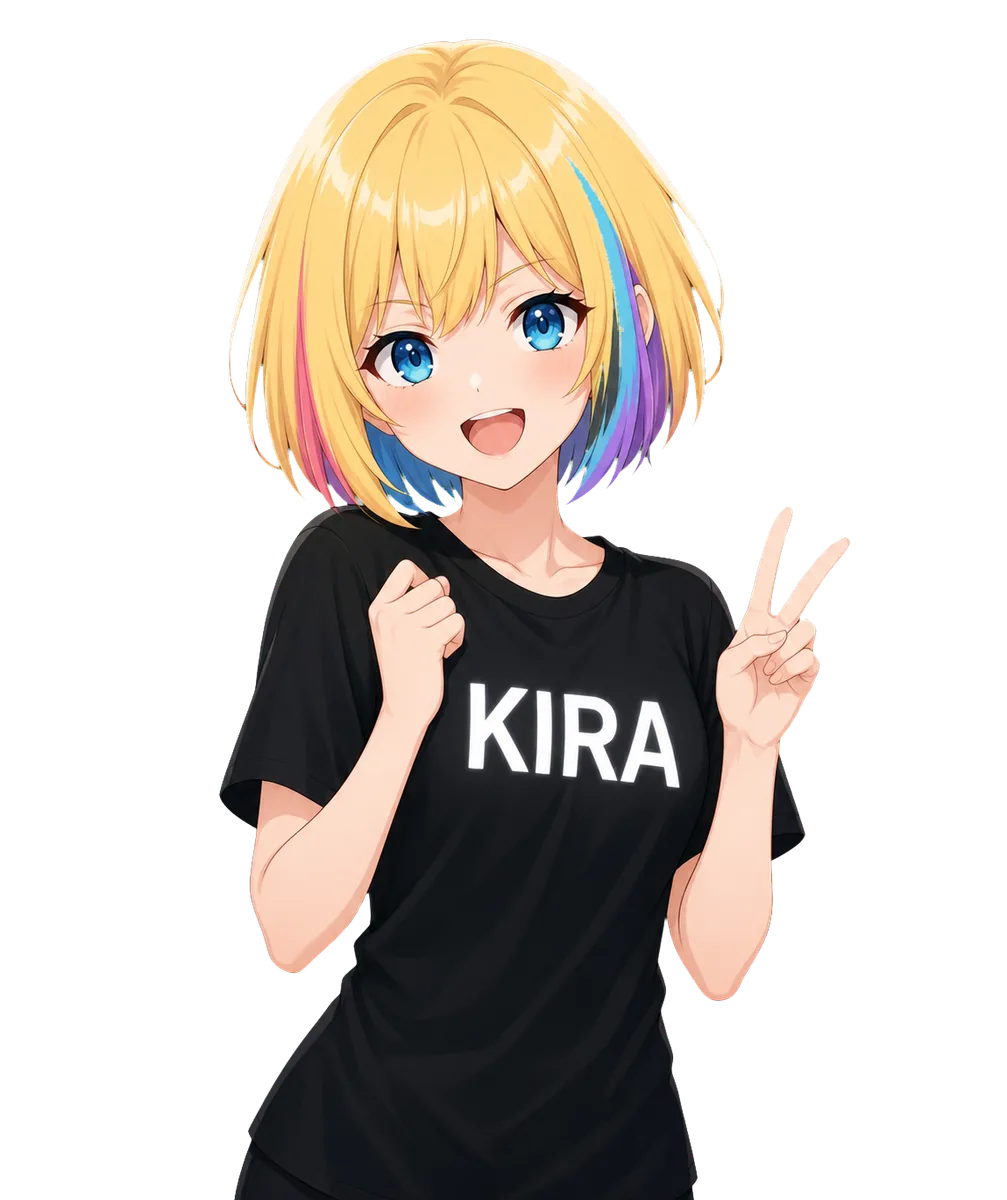
Thumbnail focused on Kira carrying stream topics while the host is absent.
No more dead pauses
Thumbnail focused on Kira filling dead air and keeping the stream alive.
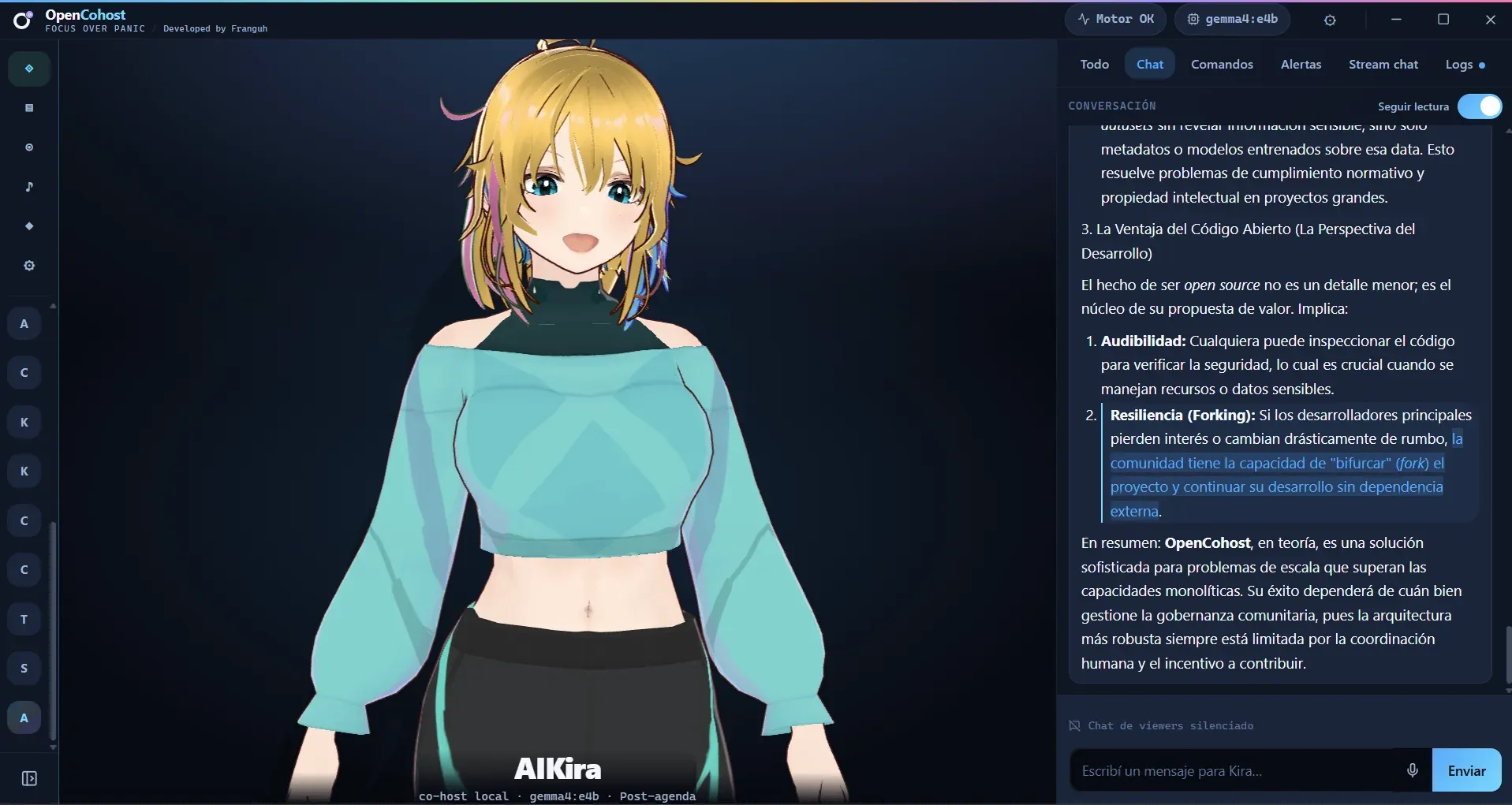
Current panel direction
Updated 2D product UI with model, profile, PTT, and moderation status panels.
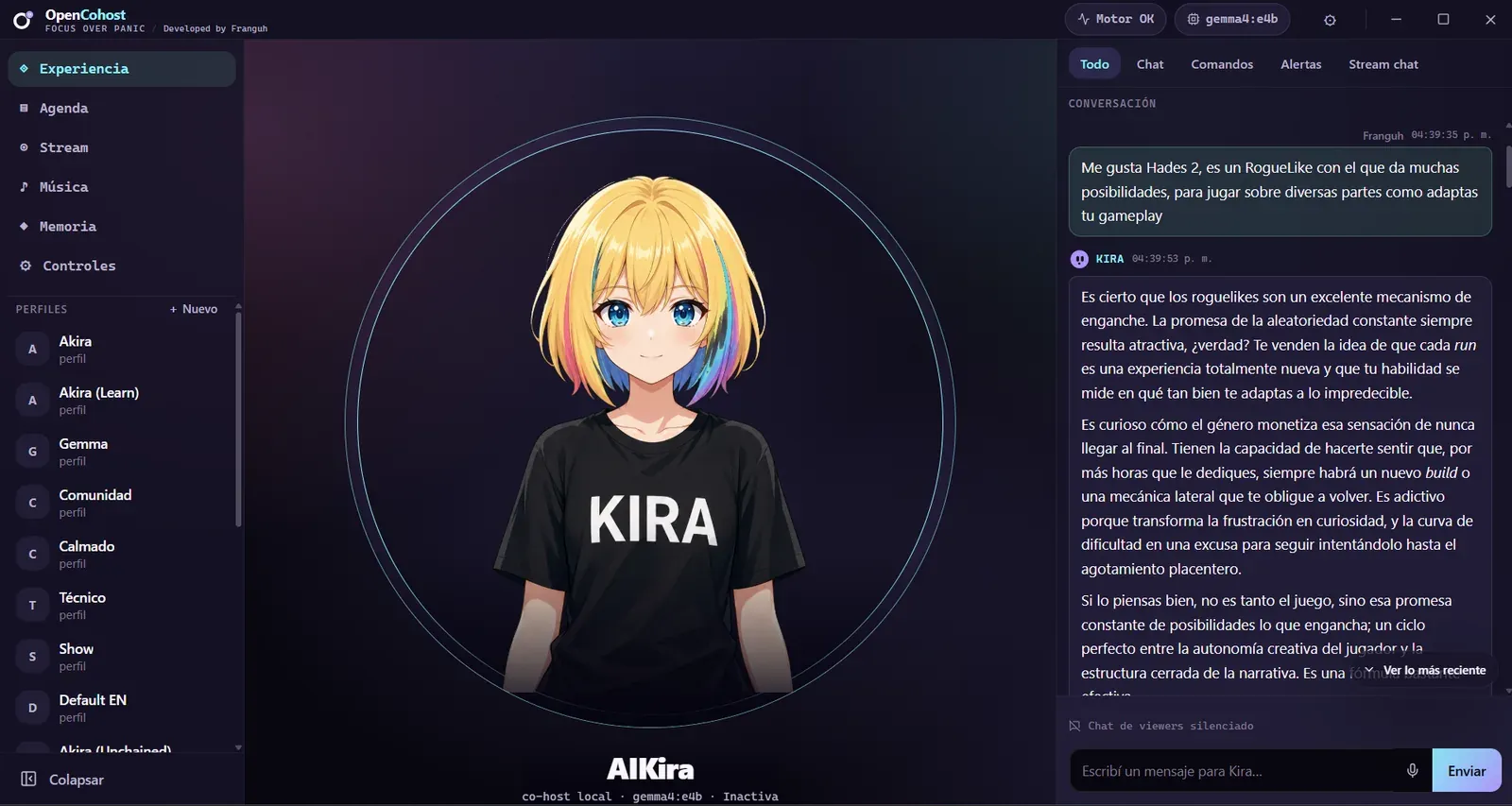
Old panel direction
Old 2D product UI with model, profile, PTT, and moderation status panels.
Built around live energy
What Kira does while you stream
The landing page should answer the streamer question first: will this make my show better? Kira is designed for that exact moment-to-moment pressure.
A silent stretch hits
Kira fills the gap with a transition, a question, or a sarcastic aside so viewers do not bounce.
Chat explodes
Kira detects the common intent in the flood and turns it into one useful reaction.
You need structure
Add the topics you want covered and let Kira help you move through them without wandering.
Voice matters
Use selectable TTS options and controlled voice input only when you want Kira to hear the streamer.
Clear scope
Kira is a co-host, not an AGI/operator.
Think of Kira like someone in a call watching your chat and reacting with you. She helps host the show, but she does not take over the computer or replace streamer decisions.
What Kira does
Watches and understands chat intent.
Uses optional voice context only when you enable it.
Responds as a controlled co-host inside your agenda and guardrails.
What Kira does not do
Open games or apps.
Move, edit, or manage files.
Control your PC.
Search the web or browse pages for you.
Moderate or ban users automatically.
Replace streamer decisions.
Controlled listening
Silent by default. Voice context only when you want it.
Kira does not keep an always-on microphone path running by default because that would make OpenCohost too heavy for many stream setups. If you want Kira to hear you, LiveAudio handles the voice bridge, subtitles, and transcripts, then sends clean context into OpenCohost.
LiveAudio bridge
LiveAudio captures your voice path, adds subtitles/transcripts, and keeps the heavy listening work outside Kira by default.
Speech moments
Silero VAD detects when you are actually speaking, instead of treating silence as work.
Text context
OpenAI/Whisper-compatible transcription turns voice into text Kira can use as context.
Streamer control
Voice input stays optional so you choose when the co-host can hear you.
Streamer tools
Control the show while Kira keeps pace
These are the product capabilities that matter live: structure, chat awareness, voice presence, avatar states, music control, and streamer guardrails.
OBS COMPONENT PREVIEW
Agenda co-hosting preview
Kira follows the stream plan instead of wandering into random topics.
OBS Overlay Preview
A
Live Agenda Topic2. First gameplay block
Stream agenda
1. Warm-up with chatDONE
2. First gameplay blockLIVE
3. React to questionsNEXT
4. Wrap-up and best clipsNEXT
Streamer-first, not technician-first
Built for stream moments, not architecture tours
Kira is for creators who need a co-host presence: reactive enough to keep pace with chat, controlled enough to avoid hijacking the stream, and opinionated enough to feel entertaining.
10 viewers or 20K viewersOpenCohost can still help at both scales depending on configuration. It boosts the show instead of subtracting from it.
Busy chatSpike summaries keep the show readable without rewarding spam, while smaller rooms can get more direct back-and-forth.
Long sessionsAgenda support and music/voice coordination help reduce host fatigue.
honest limits
What we will not pretend
Local-first avoids cloud/API billing in local mode, but it does not make compute free: you pay with VRAM, hardware, electricity, and setup.
Performance depends on GPU VRAM, loaded neural networks in memory, the selected voice/LLM mode, model speed, and how deep the topic is; current local LLMs are open-weight models.
Heavy games can compete for the same machine and increase latency or make Kira take longer to answer.
Local-first hardware matrix
Is your setup ready for Kira?
Local mode avoids cloud/API billing, but the real load is handled by your hardware: GPU, VRAM, and games.
GPU
Game Type
Experience
RTX 3060 12GBTested
Light / Competitive (Fortnite, Valorant, LoL)
✅ Lightweight voice mode, responsive and fluid co-hosting.
RTX 3060 12GBEstimate
Heavy / Ultra 3D (Cyberpunk, Alan Wake 2)
⚠️ Lightweight voice mode recommended. Minor delay possible.
RTX 4090Estimate
Any game / settings
✅ Best headroom for heavier local modes; still depends on model, game load, and active features.
By running the models directly on your machine with OpenCohost and LiveAudio, you free yourself from per-minute voice billing, API limits, and commercial subscriptions. Built and funded by one developer.
Click the matrix
Select any row in the matrix on the left to see specific recommendations for your stream setup.
OpenCohost Kira is a solo, self-funded personal project, so the hardware lab is literally one PC: an RTX 3060 with 12 GB of VRAM. That single rig is the only "Tested" row here. Every other GPU is an educated estimate, not a benchmark. Real latency and performance depend on your exact GPU, your free VRAM, and your active game load.
FAQ
Frequently Asked Questions
Will Kira lag my game?
It depends on your GPU and settings. On an RTX 3060 in competitive games, response is fluid. For heavy games, we recommend lightweight mode. Check our compatibility matrix.
Do I need to know about AI or prompting?
No. Kira is configured once and runs. You do not need to deal with local LLM models or prompt engineering.
How do I install it?
Kira is in active development. There is no public installer promise on this site yet; setup details will be documented when a release path is ready.
Is Kira listening all the time?
No. Kira is silent by default to save VRAM and keep your stream private. LiveAudio only listens when you explicitly enable the bridge.
Is it free?
Designed to be free in local mode. You pay with your hardware, not with expensive cloud subscriptions.
Need the setup details?
Docs are still available, but the landing page keeps the main message focused on streamer value, setup expectations, and honest limits.
Kira is in active development and testing right now. Running an AI co-host locally, on your own machine, is demanding to get right — so we would rather ship it when it actually holds up live than rush a fragile release. Meanwhile, LiveAudio already ships as proof that the local-first foundation works.
What we're hardening before release
These are the real things we want solid before Kira goes public — not a launch countdown, just the work that earns your trust.
Safe chat integration. Making sure connecting live chat is safe, so Kira reacts to it without acting on unsafe instructions hidden in the messages.
Holding the topic thread. Testing that Kira keeps track of your agenda and stays on the topics instead of losing the thread mid-stream.
Local LLM context limits. Designing and testing different approaches so the local model does not blow up when the conversation context gets long.
Refining over expanding. Polishing the features that already exist instead of piling on new scope before release.
Shipping now
LiveAudio v1.2.0
LiveAudio is the local listening layer: a captions and transcription bridge for OBS, and the piece Kira uses to understand spoken context. It runs on your machine, it is released today, and you can use it on your stream right now — no waiting for Kira.